

A fast-loading site attracts attention, but that’s no longer enough to satisfy visitors and convince Google. For Belgian SMEs in the retail sector, web performance is as much about speed as it is about the overall user experience. By understanding the direct impact of Core Web Vitals on SEO and conversion, you’ll discover how every technical detail becomes a powerful business lever to transform your bottom line.
Table of contents
Summary of the main points
| Point | Details |
| Comprehensive web performance | Web performance encompasses criteria such as loading speed, user experience and SEO optimization, all of which have a direct impact on SMEs’ business results. |
| Importance of KPIs | Key performance indicators such as initial load time and bounce rate are crucial for measuring a site’s effectiveness. |
| Impact on SEO | Good web performance improves SEO, reduces bounce rates and increases conversions. |
| Recommended analysis tools | Use tools like PageSpeed Insights and Lighthouse to systematically diagnose and optimize site performance. |
Defining web performance and misconceptions
Web performance represents a complex set of technical and strategic criteria that define the overall effectiveness of a website. Contrary to popular belief, it’s not simply a question of loading speed, but a holistic approach that has a direct impact on SMEs’ business results.
There are many myths surrounding web performance, including the idea that a fast site is enough to guarantee success. In reality, web performance integrates several crucial dimensions:
-
Page loading speed
-
User experience (UX)
-
SEO optimization
-
Content accessibility
-
Reactivity on different media
The digital transformation of web architectures today requires us to move beyond these simplistic approaches. A high-performance site must now meet precise technical criteria while offering a fluid, intuitive user experience.
In concrete terms, web performance is measured through a number of key performance indicators (KPIs) that go beyond traditional technical metrics. These indicators take into account user engagement, their journey through the site, and the ability to transform visits into concrete actions.
Key web performance KPIs include:
-
Initial loading time
-
Interaction time
-
Visual stability
-
Bounce rate
-
Average session length
Every SME needs to understand that web performance is not a one-off objective, but a process of continuous improvement. Technologies evolve rapidly, and user expectations are constantly changing.
Pro tip: Carry out a full web performance audit every 6 months to proactively identify and correct your site’s weak points.
Key indicators: speed and user experience
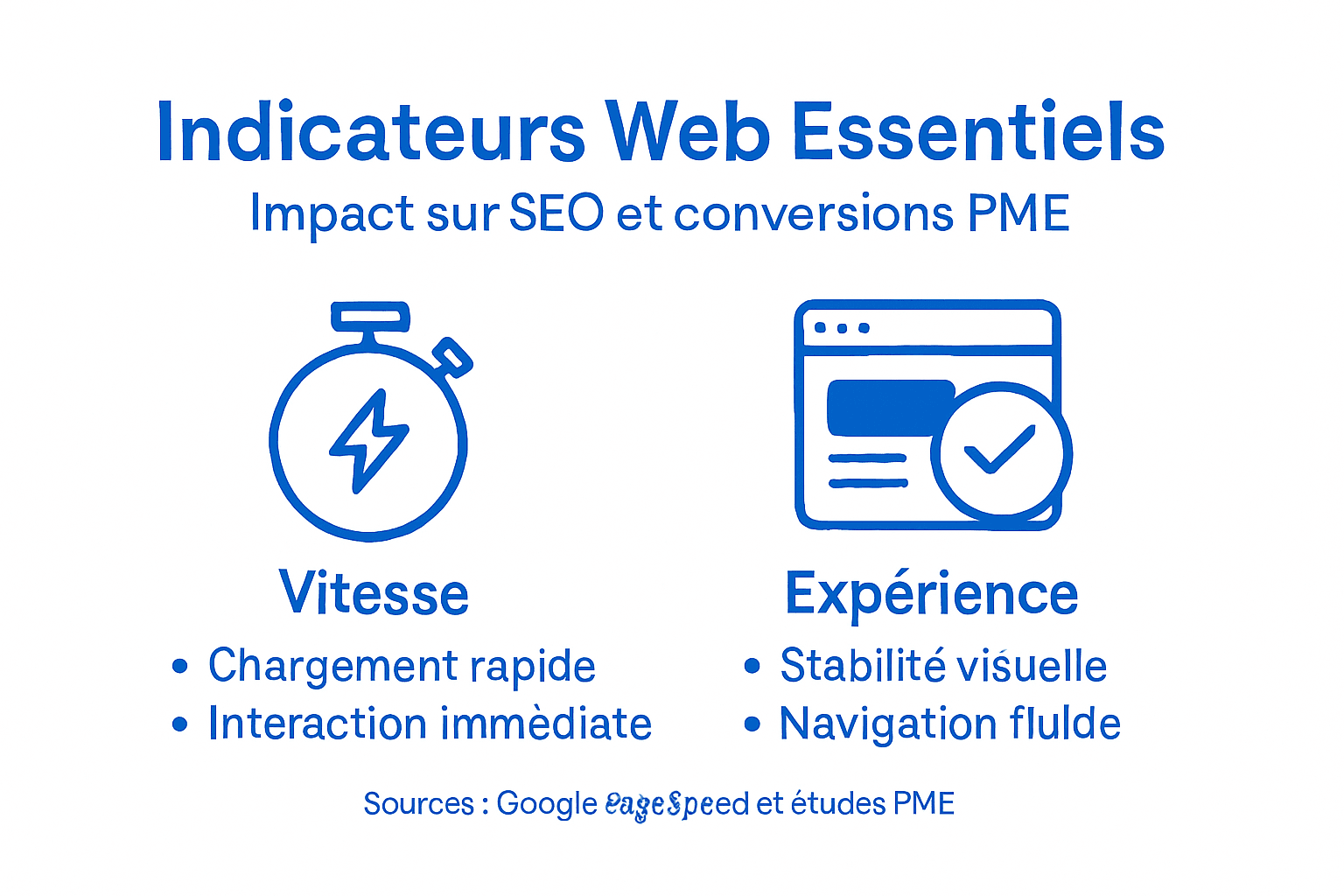
Today, web performance is measured by precise indicators that assess not only the technical speed of a site, but above all the overall user experience. These metrics have become essential criteria for SMEs wishing to improve their digital presence and conversion rates.
Google’s Core Web Vitals represent the current benchmark for web performance evaluation. These key indicators measure three fundamental aspects:
-
Largest Contentful Paint (LCP): main content loading speed
-
First Input Delay (FID): responsiveness and interactivity
-
Cumulative Layout Shift (CLS): visual stability of elements
Each indicator plays a crucial role in users’ perception of a website’s quality. Fast loading times, fluid navigation and a stable interface all contribute directly to visitor satisfaction and loyalty.
Adobe experts emphasize the importance of these metrics in understanding the user experience. Beyond the technical figures, these indicators reflect the overall quality of interaction between a user and a website.
Strategies for optimizing key indicators:
-
Reduce image loading time
-
Minimizing JavaScript code
-
Use browser caching
-
Implement delayed loading
-
Optimizing third-party resources
Pro tip: Use tools like Google PageSpeed Insights to systematically measure and improve your web performance indicators.
Here is an overview of the differences between Core Web Vitals indicators and the traditional KPIs used to assess web performance:
| Indicator | Primary objective | Direct impact on user | Typical application |
| Core Web Vitals | Measuring the real experience | Feel for speed, stability, responsiveness | In-depth UX analysis |
| Traditional KPIs | Track traffic or actions | Overall site performance measurement | Sales and marketing tracking |
Impact on SEO and conversion rates
Web performance is no longer just a technical criterion, but a direct strategic lever for improving SEO and conversions for SMEs. Google has clearly integrated performance as a determining factor in its ranking algorithm, transforming speed and user experience into major business stakes.
Academic research on SEO shows a close correlation between a site’s technical performance and its business performance. A fast, fluid website not only generates more organic traffic, but also converts visitors into customers much more efficiently.
The main impacts on SEO and conversions include :
-
Reduced bounce rate
-
Improved Google ranking
-
Increased time spent on the site
-
Growth in conversion rates
-
Improved perceived credibility
Google’s modern algorithms take into account precise metrics such as loading time, visual stability and interactivity. These indicators are no longer mere recommendations, but decisive criteria for SEO and user experience.
Concrete optimization strategies:
-
Compress and optimize images
-
Minimize CSS and JavaScript code
-
Use browser caching
-
Implement deferred resource loading
-
Secure and accelerate hosting
Pro tip: Carry out a full SEO audit every quarter to proactively identify and correct any bottlenecks in your performance.
Technical factors influencing performance
Web performance is based on a complex set of technical factors that interact in subtle ways to optimize the user experience. Each technical element contributes to reducing loading times and improving a website’s overall responsiveness.

Technical experts identify several crucial performance factors that require meticulous attention. Optimal management of these parameters can significantly speed up a website and improve its overall efficiency.
The main technical factors to consider include :
-
Resource sizing and optimization
-
Browser cache management
-
Source code minimization
-
Server response time
-
File compression
Technical website optimization involves a systemic approach. Every technical component must be analyzed and optimized to create a fluid, fast user experience.
Technical optimization strategies:
-
Compressing images and files
-
Reduce HTTP requests
-
Implement delayed loading
-
Using CDNs (Content Delivery Networks)
-
Minimize CSS and JavaScript code
Pro tip: Carry out a full technical audit of your site every six months to identify and correct performance bottlenecks.
Analysis tools and optimization methods
Accurate web performance analysis requires sophisticated tools that enable SMEs to diagnose and improve their sites strategically. Rigorous performance measurement has become a crucial issue in maintaining a competitive digital presence.
Google’s official tools offer comprehensive solutions for evaluating web performance. These resources enable companies to carry out detailed audits and gain a precise understanding of their site’s areas for improvement.
Key analysis tools include :
Summary of performance analysis tools, their specific features and benefits for SMEs:
| Tool | Highlights | Recommended use |
| PageSpeed Insights | Rapid online analysis | For quick and easy diagnostics |
| Lighthouse | Comprehensive, customizable auditing | For advanced testing and detailed reporting |
| GTmetrix | Comparative reports | To track changes over time |
| Chrome DevTools | Technical debugging | Real-time code optimization |
| WebPageTest | Multi-location scenarios | Global performance analysis |
-
PageSpeed Insights
-
Lighthouse
-
Chrome DevTools
-
WebPageTest
-
GTmetrix
Web monitoring methods have evolved considerably, now offering automated, real-time approaches to performance monitoring.
High-performance diagnostic strategies:
-
Perform monthly audits
-
Setting up automatic alerts
-
Compare with industry benchmarks
-
Analyze key metrics
-
Tracking performance
Pro tip: Automate your performance reports for regular insights without time-consuming manual investment.
Improve your SME’s performance to boost SEO and conversions today
You know that web performance isn’t just about speed. It encompasses visual stability, interactivity and user experience – factors that have a direct impact on your SEO and conversion rates. Faced with these complex challenges, it’s essential to adopt a comprehensive approach to technical and strategic optimization.
Don’t let technical barriers hold you back. With Agifly, you benefit from intelligent design and scalable development that enhances every key performance indicator. Master levers like image compression, code minimization and caching to deliver a fluid, efficient user experience.
Take action now and ensure the sustainability of your digital presence through optimized web performance. Contact us on Agifly for personalized support and a complete audit tailored to your business.
Frequently asked questions
What is web performance?
Web performance refers to the efficiency of a website in terms of loading speed, user experience, SEO optimization and content accessibility.
How does web performance influence SEO?
Google takes web performance into account as a decisive criterion in its ranking algorithm. A fast site improves positioning in search results and reduces the bounce rate.
What are the key indicators for measuring site performance?
Key indicators include initial load time, interaction time, visual stability (CLS), and bounce rate.
What strategy can you adopt to optimize your web performance?
It is advisable to perform a full audit every six months, optimize images, minimize JavaScript code and use caching to improve speed and user experience.